Zero-Traffic-Loss Store Migration: Mapping WooCommerce Catalogs & 301 Redirects to Shopify
A complete technical blueprint for migrating WooCommerce catalogs, custom attributes, rich media, and HTTP 301 SEO redirects to Shopify without ranking drops.

Senior Data Specialist & Automation Architect
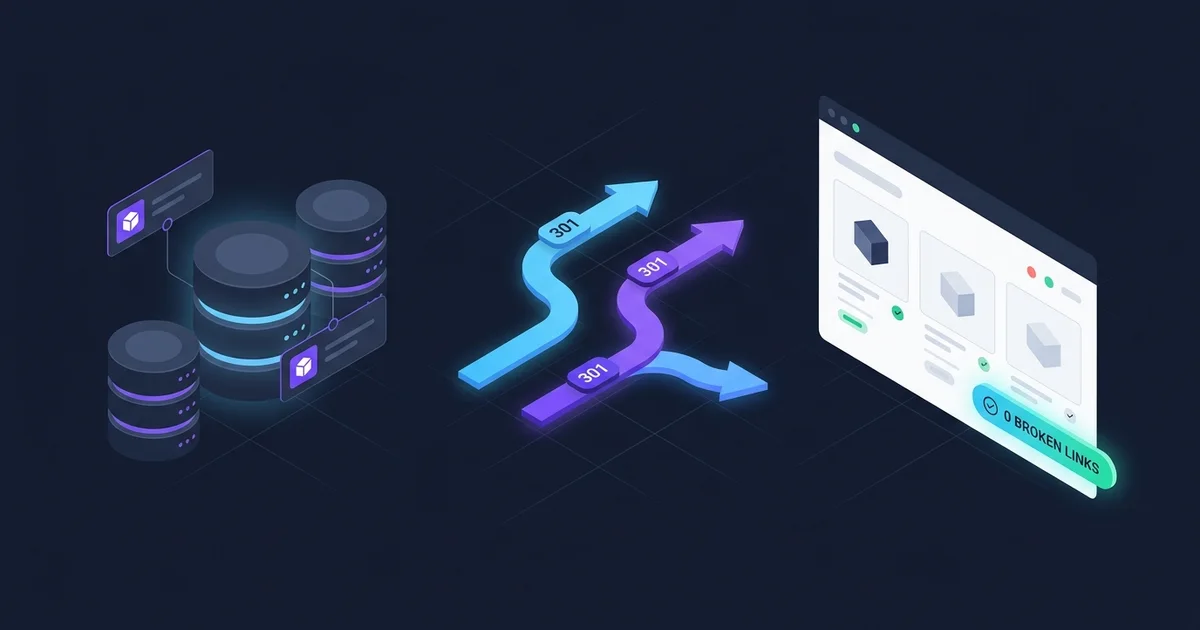
Brands outgrow WooCommerce every week due to plugin maintenance overhead or database sluggishness at scale, choosing Shopify for managed checkout reliability. Unfortunately, rushed platform switches frequently trigger a painful 35% to 60% drop in organic Google traffic during the first thirty days.
The culprit is rarely Shopify itself—it is broken URL parity, orphaned variation specs, and dropped metafields during CSV translation.
A clean migration preserves both your storefront catalog architecture and every ounce of domain authority earned over years of content and backlinks. Below is the structured data-engineering checklist I run before flipping DNS records on store migrations.
1. Extracting a Complete Canonical URL & SKU Manifest First
Never start by manually exporting a basic WordPress product sheet alone. First pull three baseline tables while your WooCommerce installation still sits cleanly in production:
- Full XML Sitemap Crawl: Export every indexed URL across
product-sitemap.xml,product_cat-sitemap.xml, andpost-sitemap.xmlalong with historical impressions from Google Search Console. - WooCommerce REST / CSV Product Export: Capture IDs, SKUs, parent-child variation links, regular vs. sale prices, global attributes, and legacy gallery URLs.
- WP Postmeta Custom Fields Audit: Identify third-party plugin fields such as Yoast SEO titles, ACF hardware spec sheets, or GTIN barcode meta keys so critical data never stays stranded in MySQL.
2. Translating WooCommerce Attributes Into Shopify Variants & Metafields
WooCommerce supports unlimited arbitrary global attributes on a single variable listing. Shopify, by contrast, limits selectable buyer variants strictly to three option axes (Size, Color, Style) and handles extra non-selectable specifications inside Online Store 2.0 Metafields.
| WooCommerce Structure | Shopify Target Mapping | Transformation Rule |
|---|---|---|
| Product Categories | Automated Collections + Product Type | Flatten nested hierarchy into consistent tags & Smart Collection rules |
| Buyer Options (<= 3 axes) | Option1 / Option2 / Option3 Name | Normalize casing before expanding Cartesian rows |
| Spec Attributes (> 3 axes) | Custom Product Metafields | Map via Matrixify namespace columns for Search & Discovery filters |
| Yoast Title & Meta Desc | SEO Title & SEO Description | Preserve verbatim to prevent SERP CTR shifts post-launch |
3. Stripping WordPress Shortcodes & Hardcoded Domain Paths
Years of editing inside WordPress leaves product descriptions riddled with Elementor wrappers, WPBakery brackets ([vc_row], [contact-form-7]), and legacy image paths pointing straight back to https://oldsite.com/wp-content/uploads/....
Copying raw descriptions blindly onto Shopify renders ugly broken shortcode text and hotlinks deleted WordPress media.
Before importing descriptions into Shopify's Body (HTML) column, pass the entire field through a Python BeautifulSoup sanitizer that removes layout shortcodes, eliminates inline styling attributes, and rewrites relative image links cleanly onto staged cloud storage.
4. Generating an Exact 301 Redirect CSV Without Blind Gaps
According to Shopify's URL Redirect documentation, every legacy URL whose path changes requires an exact two-column entry: Redirect from and Redirect to. Do not rely on catching top 20 sellers manually while ignoring 800 category, tag, and informational pages.
import csv

def build_shopify_redirects(old_manifest: list[dict], out_path: str) -> None:
    """Builds exact 1-to-1 Shopify URL redirect CSV rows."""
    seen = set()
    with open(out_path, "w", newline="", encoding="utf-8") as fh:
        writer = csv.writer(fh)
        writer.writerow(["Redirect from", "Redirect to"])

        for row in old_manifest:
            src = "/" + row["old_path"].strip("/")
            dst = "/" + row["new_path"].strip("/")
            if src == dst or src in seen:
                continue
            seen.add(src)
            writer.writerow([src, dst])
5. Handling Trailing Slashes, Pagination & Legacy Media Paths
WordPress permalinks typically end with a trailing slash (/product/blue-jacket/), whereas Shopify serves canonical handles without one (/products/blue-jacket). Keep an archive list of PDF manuals linked from old blog articles too.
Upload those PDF files directly to Shopify's Content > Files repository and map redirect rows from /wp-content/uploads/... to the new CDN asset URLs so backlinks never die.
6. Cutover Day Validation Protocol
Never wait for Search Console error alerts two weeks after DNS cutover. The hour Shopify points live on the production domain, run three rapid sanity checks:
- Batch HTTP Header Probe: Replay your top 300 legacy URLs through a lightweight Python
HEADscript verifyingHTTP 301 → HTTP 200resolution in a single hop without chained bounces. - XML Sitemap Resubmission: Submit the clean
/sitemap.xmlendpoint inside Google Search Console immediately so Googlebot prioritizes recrawling updated canonical URLs. - Live 404 Log Triage (Days 1–7): Watch server/app 404 reports daily during launch week and patch any forgotten legacy campaign links immediately.
7. Updating Internal Links, Canonical Tags & Media References
Submitting a 301 redirect table catches external backlinks and Google organic landings, yet internal navigation inside editorial blog posts and size guides often keeps pointing toward legacy WooCommerce slugs.
Leaving hundreds of internal links relying on 301 hops wastes crawl budget and slows mobile page transitions slightly.
Run a clean post-migration string replacement across exported blog post bodies and collection descriptions before importing them into Shopify. Rewrite internal href="/product/..." and src="/wp-content/uploads/..." references directly to final canonical /products/... and cdn.shopify.com paths so crawlers see zero unnecessary internal redirect chains.
8. Handling Customer Accounts, Historical Orders & Product Reviews
Password hashes cannot migrate directly between WordPress/WooCommerce bcrypt databases and Shopify's encrypted identity store.
Plan a clear customer communication campaign alongside CSV customer record imports: tag migrated profiles inside Shopify Admin, preserve tax exemptions and shipping addresses cleanly, and send staggered account activation invites during low-ticket weekdays rather than hitting your entire customer list at once.
- Product Review Parity: Export verified Judge.me, Yotpo, or native WooCommerce reviews with exact matching SKU handles and timestamps so social proof stars remain intact in organic search results right after launch.
- Historical Order Archiving: Import closed multi-year historical orders strictly tagged for Customer Service lookup and fulfillment history without firing duplicate transactional confirmation emails or triggering webhook inventory deductions.
- Subscription Billing Cutover: Coordinate Stripe or PayPal vault token transfers explicitly with your new Shopify subscription partner ahead of DNS switch to eliminate silent recurring billing failures.
9. Thirty-Day Post-Migration SEO Monitoring Benchmarks
During the first four weeks after cutover, track three operational signals inside Google Search Console and GA4 weekly. Compare organic landing impressions against trailing 28-day WooCommerce baselines and watch indexed counts inside your new Shopify sitemap.
Review theme and navigation logs for any stray 404 hits so missing redirects are patched in Week 1.
Frequently Asked Questions
Common operational inquiries related to Zero-Traffic-Loss Store Migration: Mapping WooCommerce Catalogs & 301 Redirects to Shopify
Need High-Volume WooCommerce or Shopify Catalog Migration?
Eliminate broken variation CSVs and mismatched attributes. Schedule a free 15-minute call to review SKU counts, taxonomy structure, and bulk import timelines.
Written by Wp Hossain (Mikail Hossain)
Senior Catalog & E-Commerce Specialist with 7+ years handling multi-thousand-SKU WooCommerce, Shopify, and supplier CSV migrations (4.9/5 across 82 Fiverr reviews).